Strada Connect

Remote drives, right in your Finder

Strada Connect lets you mount remote storage as a virtual drive, so you can browse, preview, and work with files without uploading or downloading.
Editing Photo
Editing Audio

Video

Photo

Audio

Editing Photo
Editing Audio

Video

Photo

Audio

How it works

Works like a drive, not like the cloud

Connect individual computers and drives to each other for instant access without the cloud.
1

1

A teammate shares a folder with you

A teammate shares a folder with you

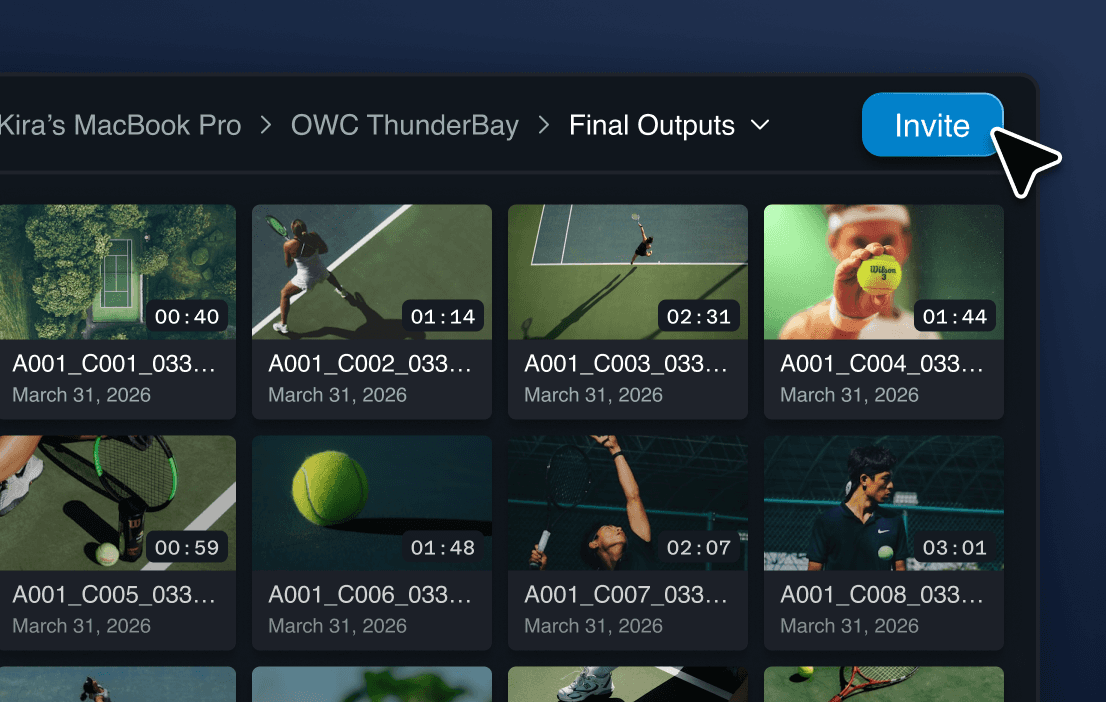
They invite you to any of their folders or drives in just a few clicks.

They invite you to any of their folders or drives in just a few clicks.

Share a folder
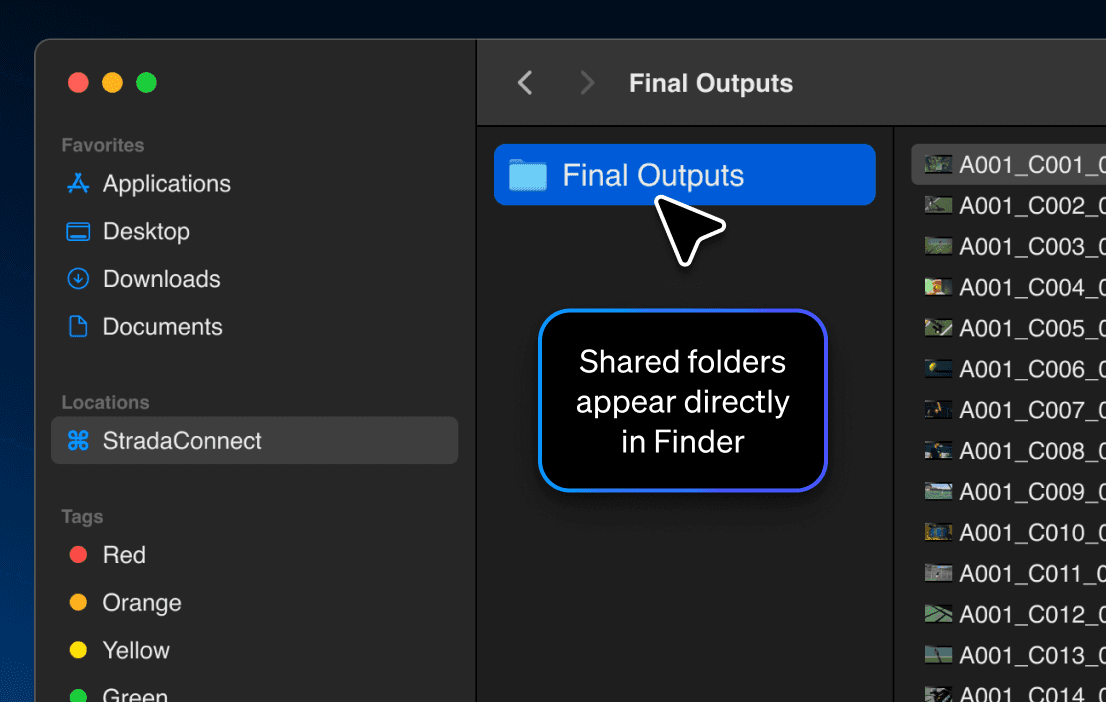
View shared folders in finder

2

2

Instantly see their folder in your Finder

Instantly see their folder in your Finder

Their shared folder appears right in your Finder, just like a local drive.

Their shared folder appears right in your Finder, just like a local drive.

3

3

Open in your favorite tools

Open in your favorite tools

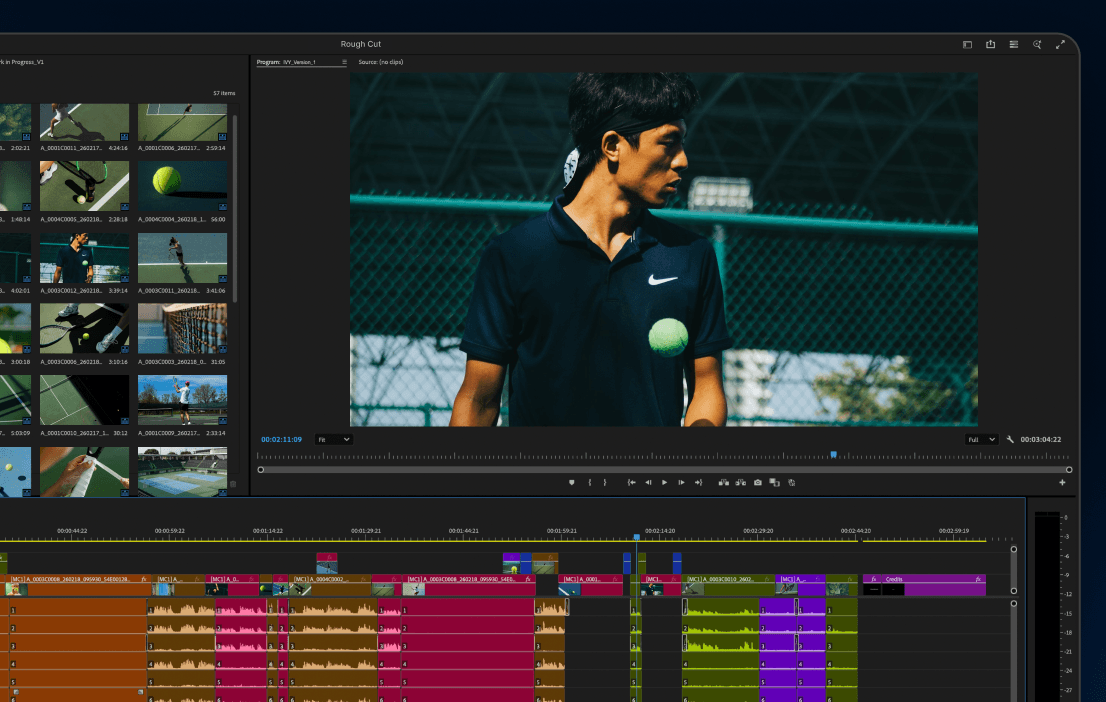
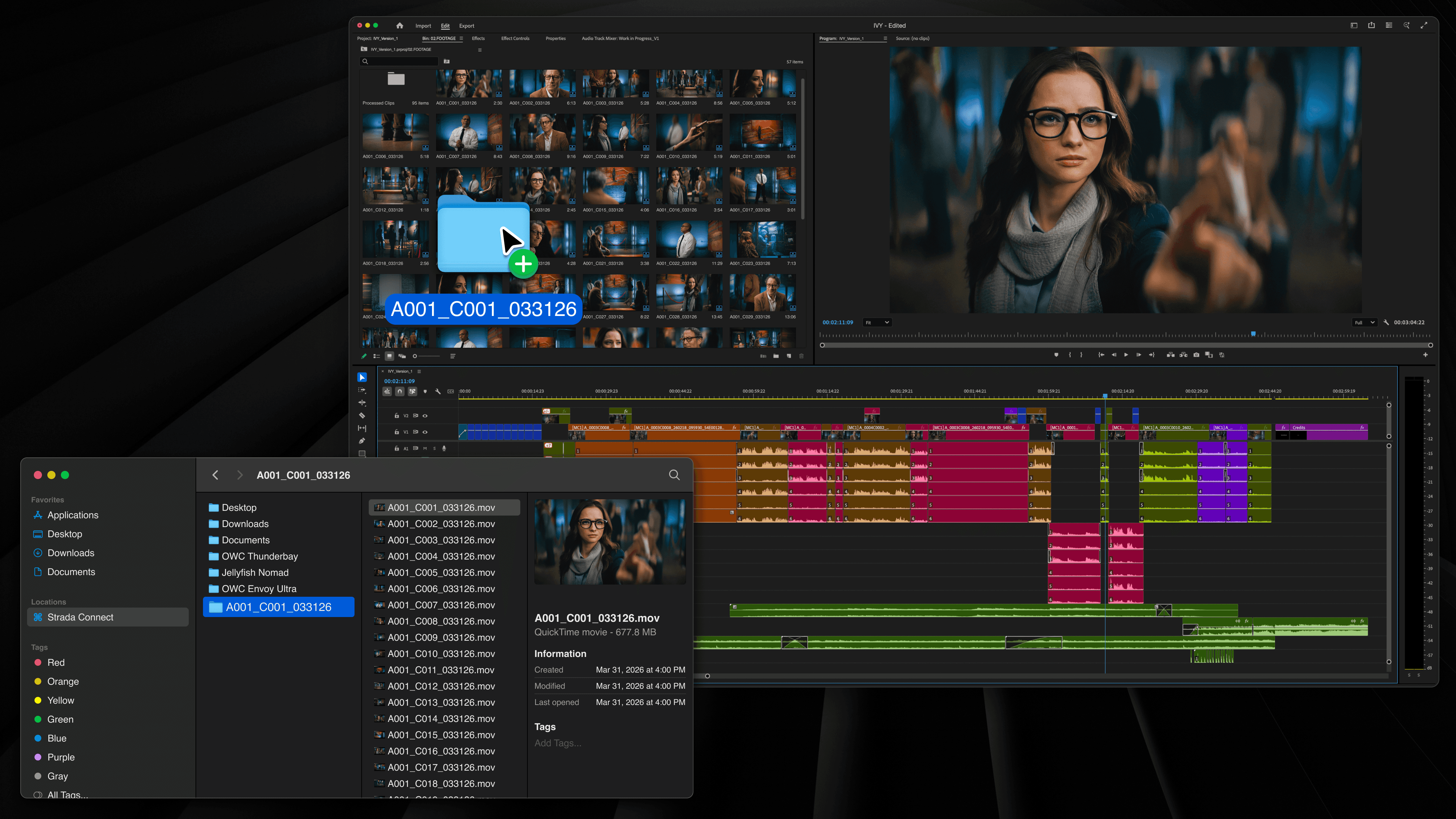
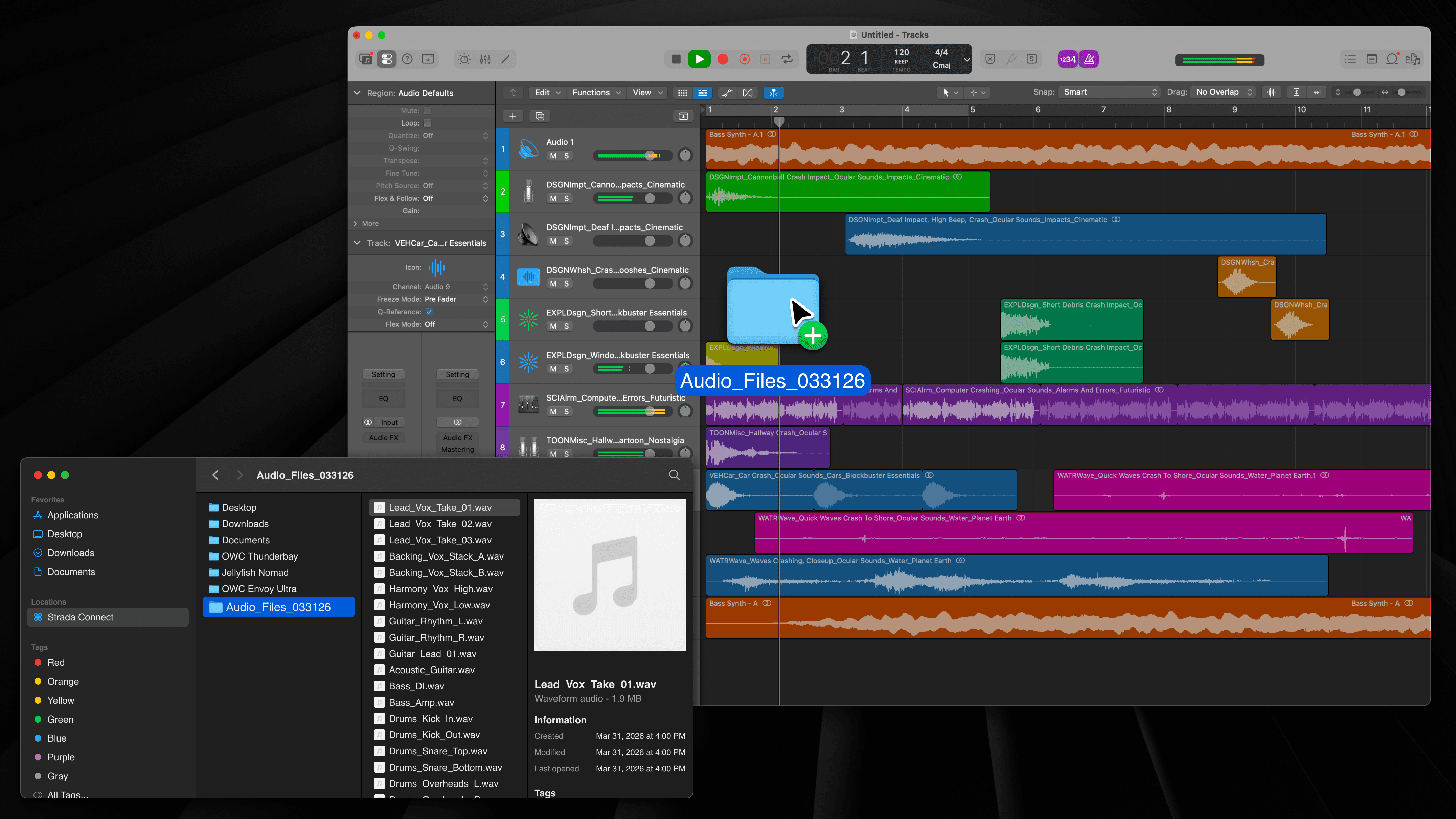
Edit directly in Premiere, Resolve, Photoshop, ProTools and more.

Edit directly in Premiere, Resolve, Photoshop, ProTools and more.

Open Strada in your favorite tools

In Practice

In Practice

Editing a short film remotely

Editing a short film remotely

A real-world example of Strada Connect

  • Edited in Premiere Pro

  • Team is 1,500 miles apart

  • 7TB of source media

  • Home internet connection

Compatibility

Works with the tools you already use

Using Strada Connect, drag files directly into your favorite tools.

Video

Avid
Final Cut Pro
Premiere
DaVinci Resolve

Photo

Lightroom
Capture One
Evoto
Canva

Audio

Pro Tools
Logic Pro
Ableton
PreSonus

Edit from anywhere, without moving your media

Edit from anywhere, without moving your media