Strada Transfers
Fast, reliable transfers
between devices
Fast, reliable transfers
between devices
Copy files directly between computers without uploading to a cloud first.
Copy files directly between computers without uploading to a cloud first.
Sign up for free
Sign up for free
Sign up for free

How it works
Copy files to new locations in a few clicks
1
1
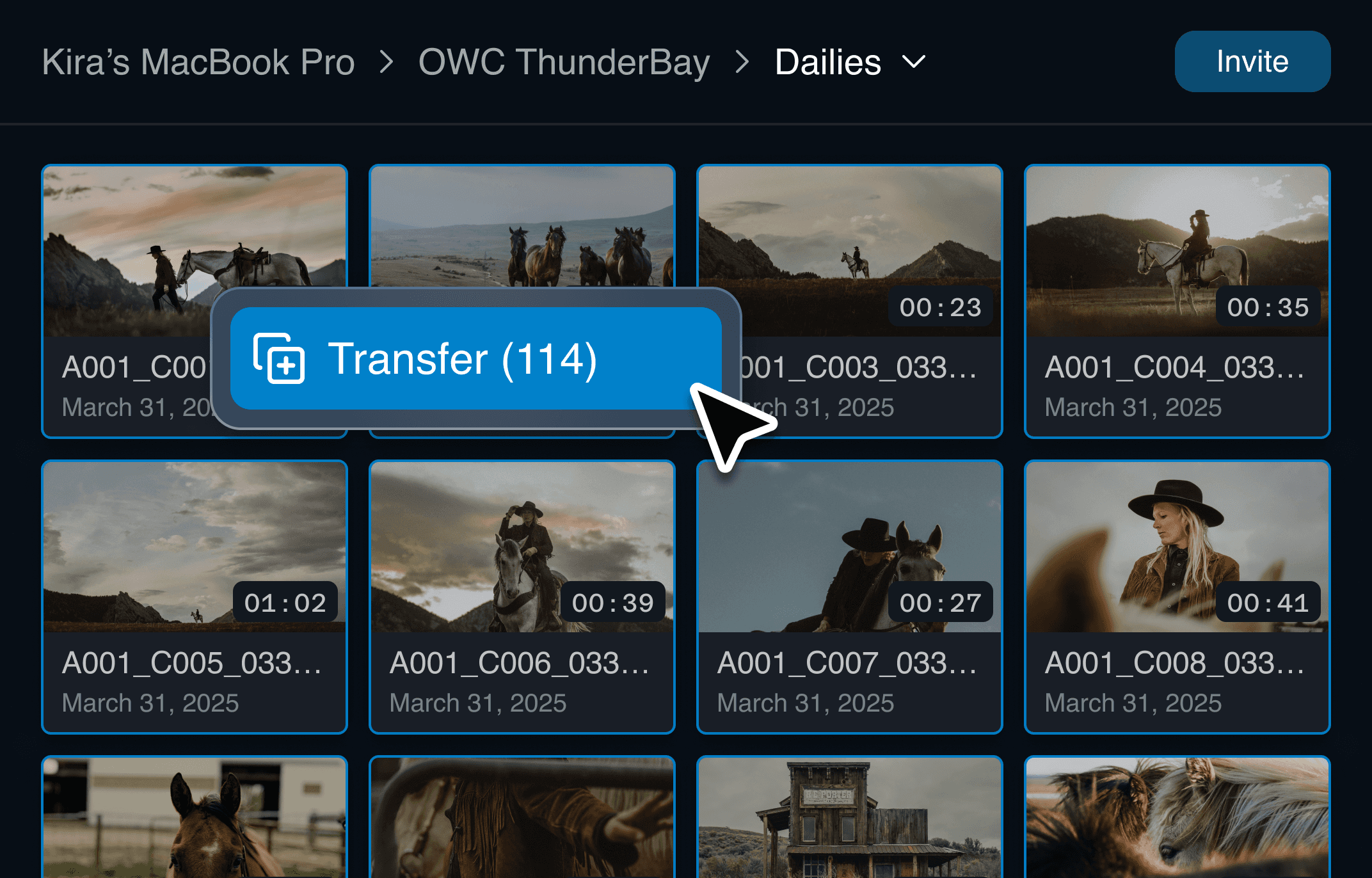
Select the files you want to transfer
Select the files you want to transfer
Transfer entire folders or individual files.
Transfer entire folders or individual files.
2
2
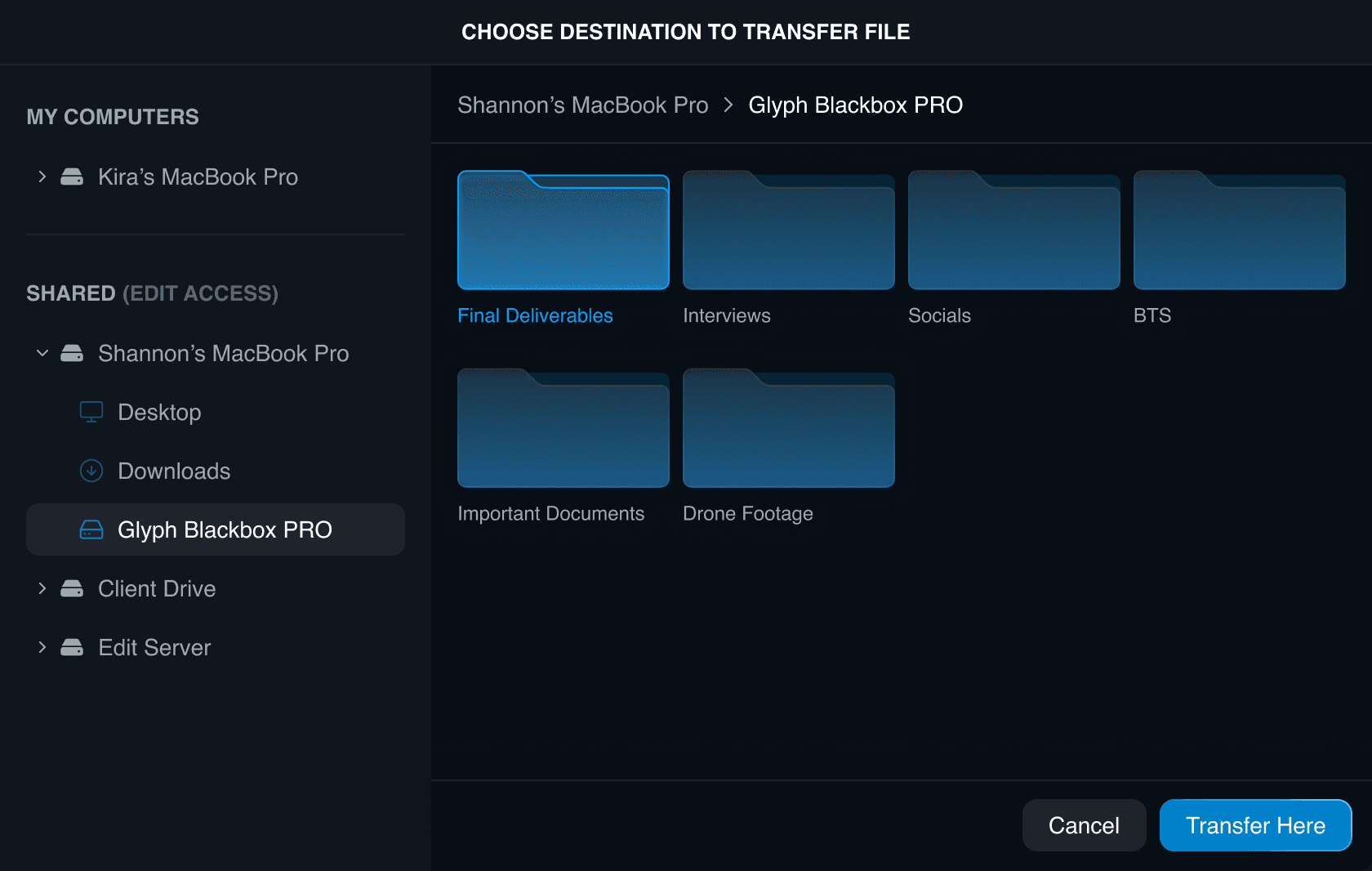
Select a destination location
Select a destination location
Send to any device you have access to.
Send to any device you have access to.
3
3
Transfer directly without cloud
Transfer directly without cloud
Files move peer-to-peer for speed, security, and reliability.
Files move peer-to-peer for speed, security, and reliability.
Visibility and control from start to finish
Visibility and control from start to finish
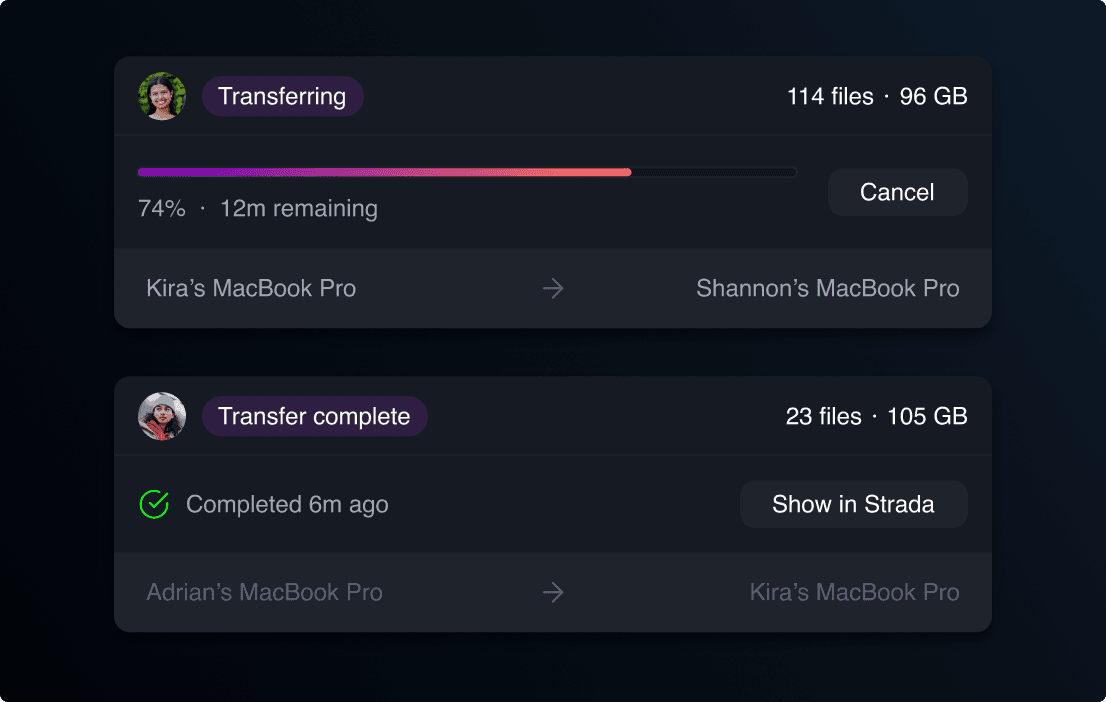
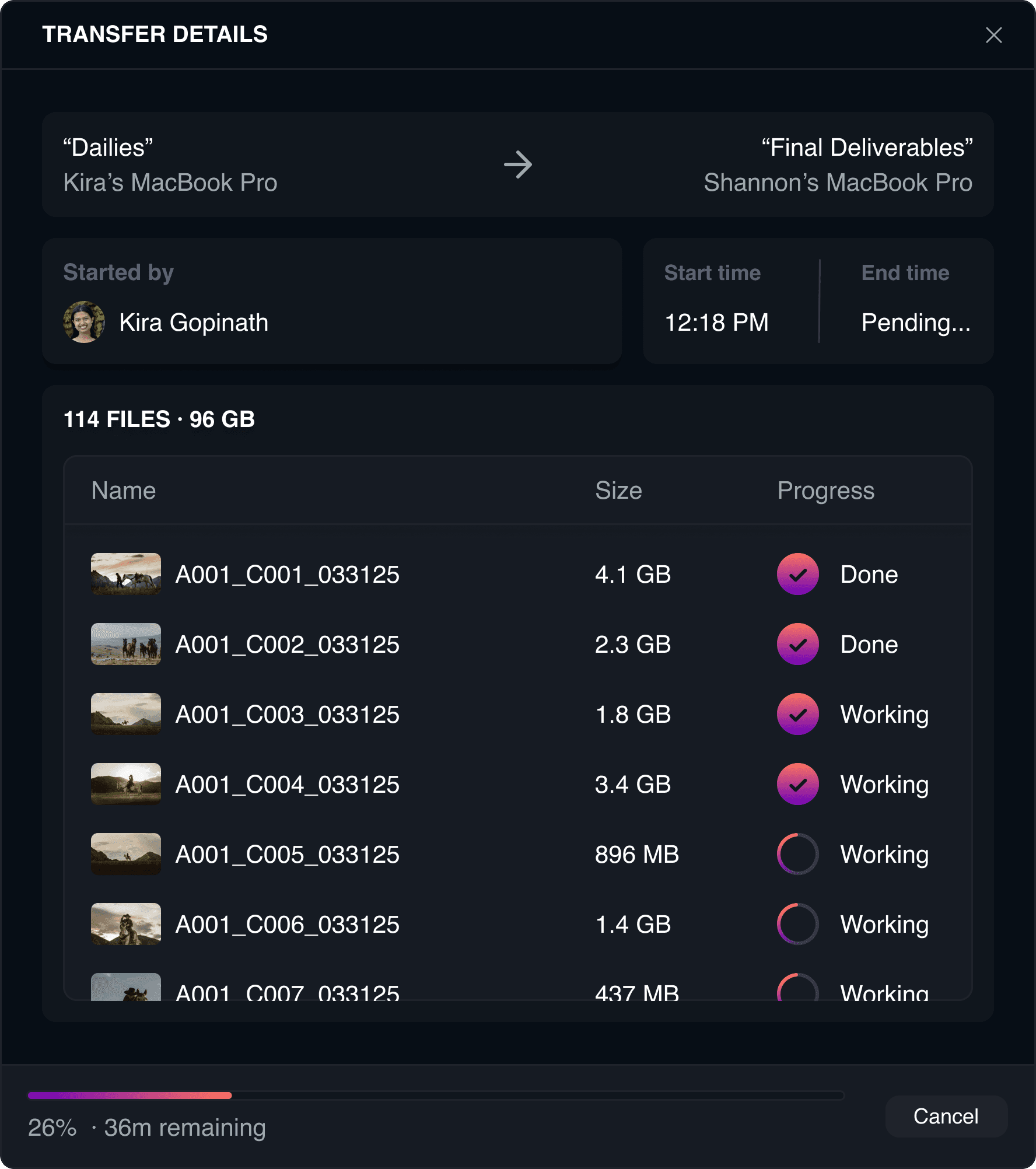
Monitor your transfers
Monitor other transfers
Throttle transfer bandwidth speeds
Obtain checksum reports
Reliable and verified transfers
Transfers keep running even if you close your browser.
Transfers keep running even if you close your browser.
Jobs automatically resume when a device reconnects.
Jobs automatically resume when a device reconnects.
Each files is checked to ensure it arrives intact.
Each files is checked to ensure it arrives intact.
Transfer files better
Transfer files better
Sign up for free
Sign up for free
Sign up for free